Race brackets, built in.
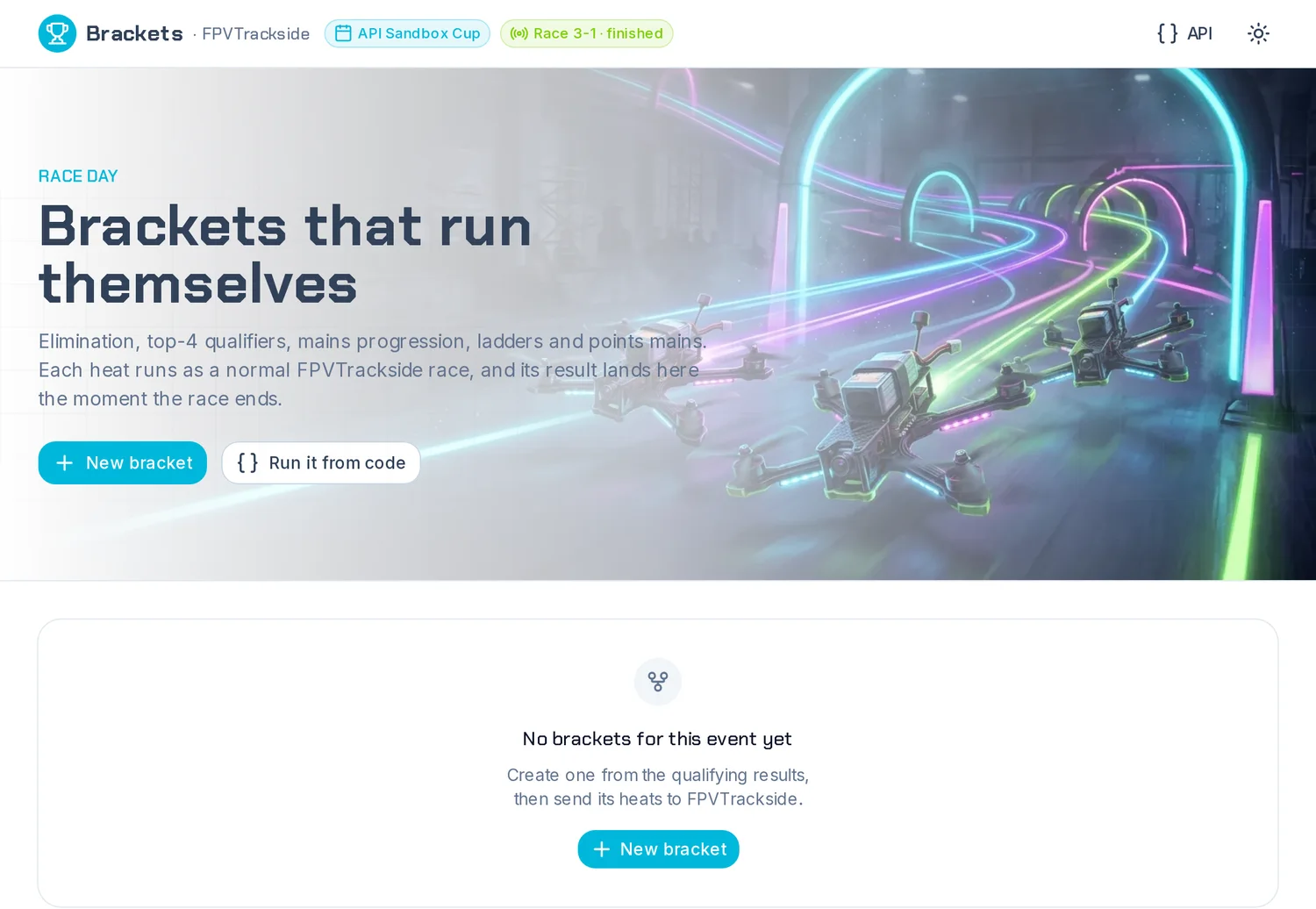
Set a bracket up in your browser, run each heat as a normal FPVTrackside race, and watch the results fill in by themselves.
Press ▶ Play to let it run by itself, or use ← → to step through.
Set a bracket up in your browser, run each heat as a normal FPVTrackside race, and watch the results fill in by themselves.
Press ▶ Play to let it run by itself, or use ← → to step through.
The bracket decides who races whom. FPVTrackside does what it already does: runs and times the race.

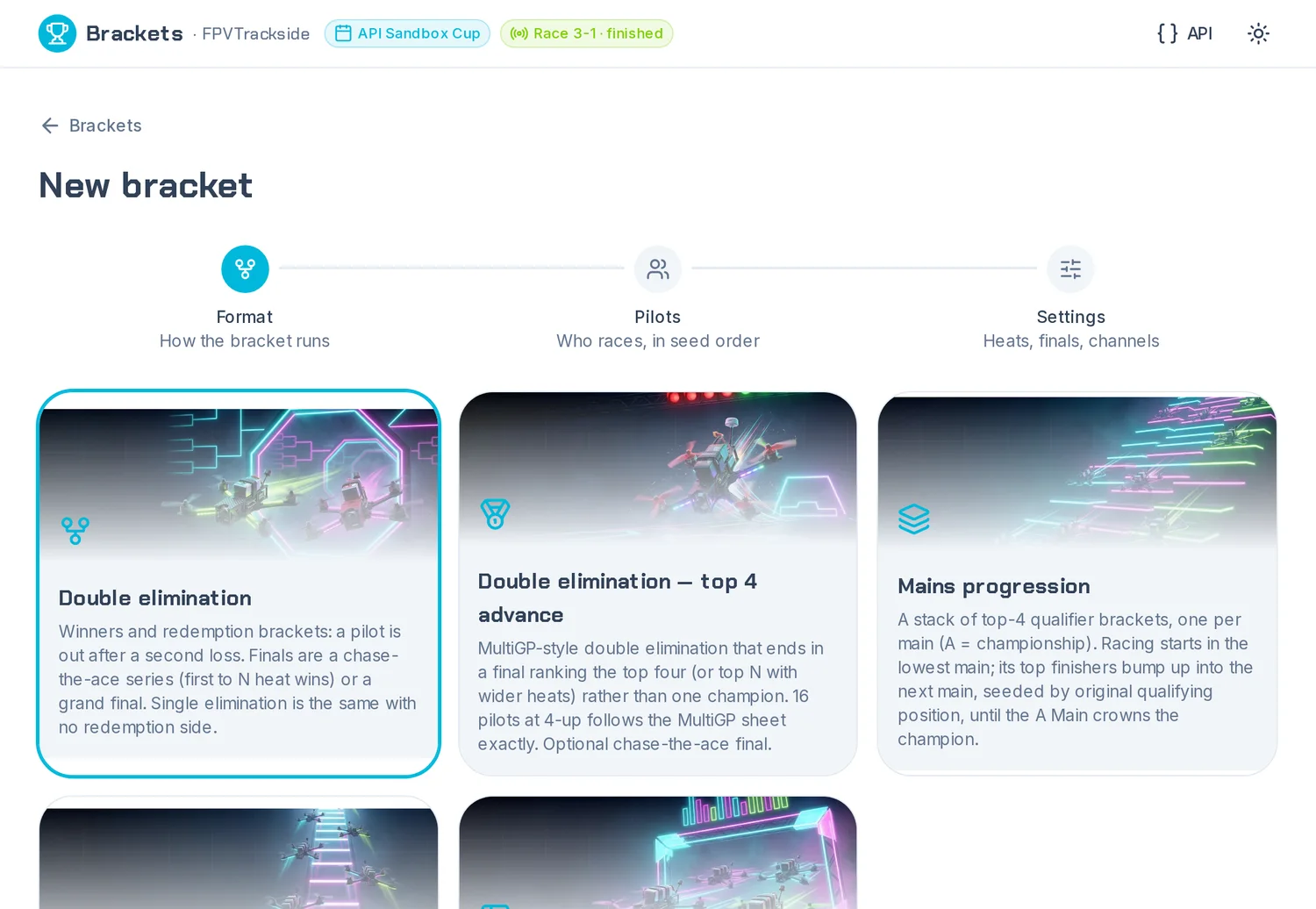
For most club finals, double elimination with a chase-the-ace final is the one to pick.
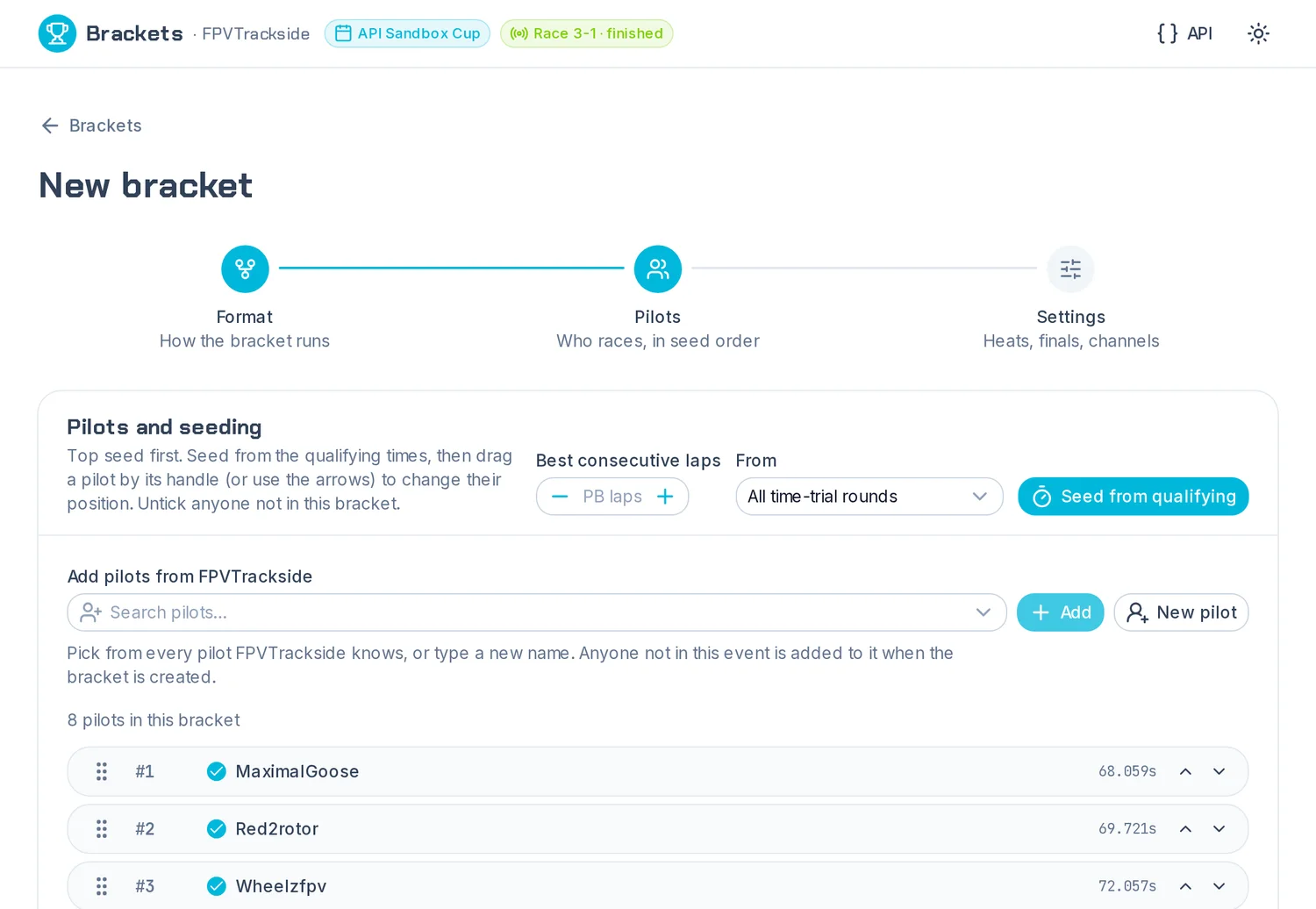
One button ranks pilots on their best consecutive laps from the event's time-trial rounds, fastest first.
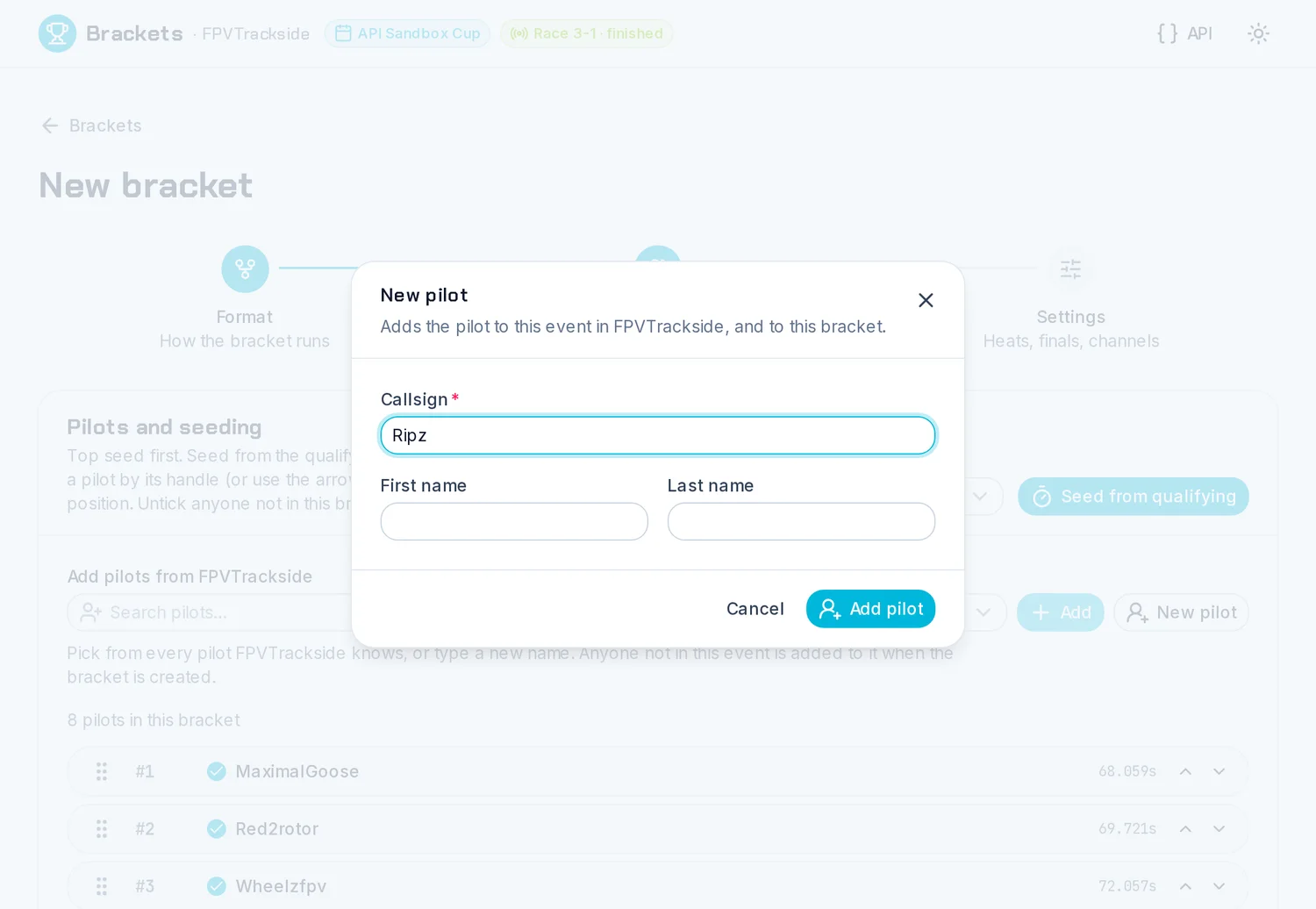
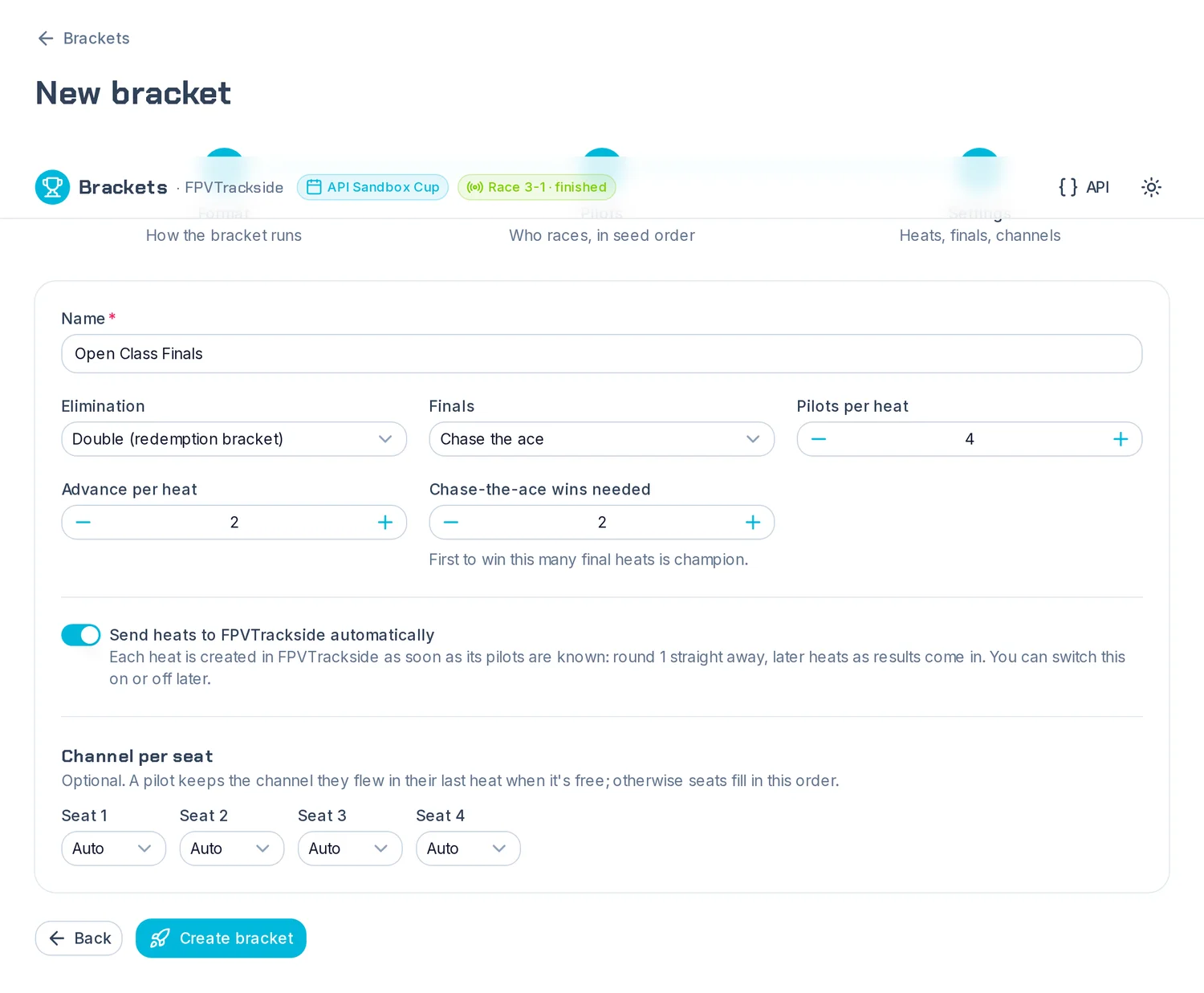
Name it and press Create bracket. It is saved with the event.
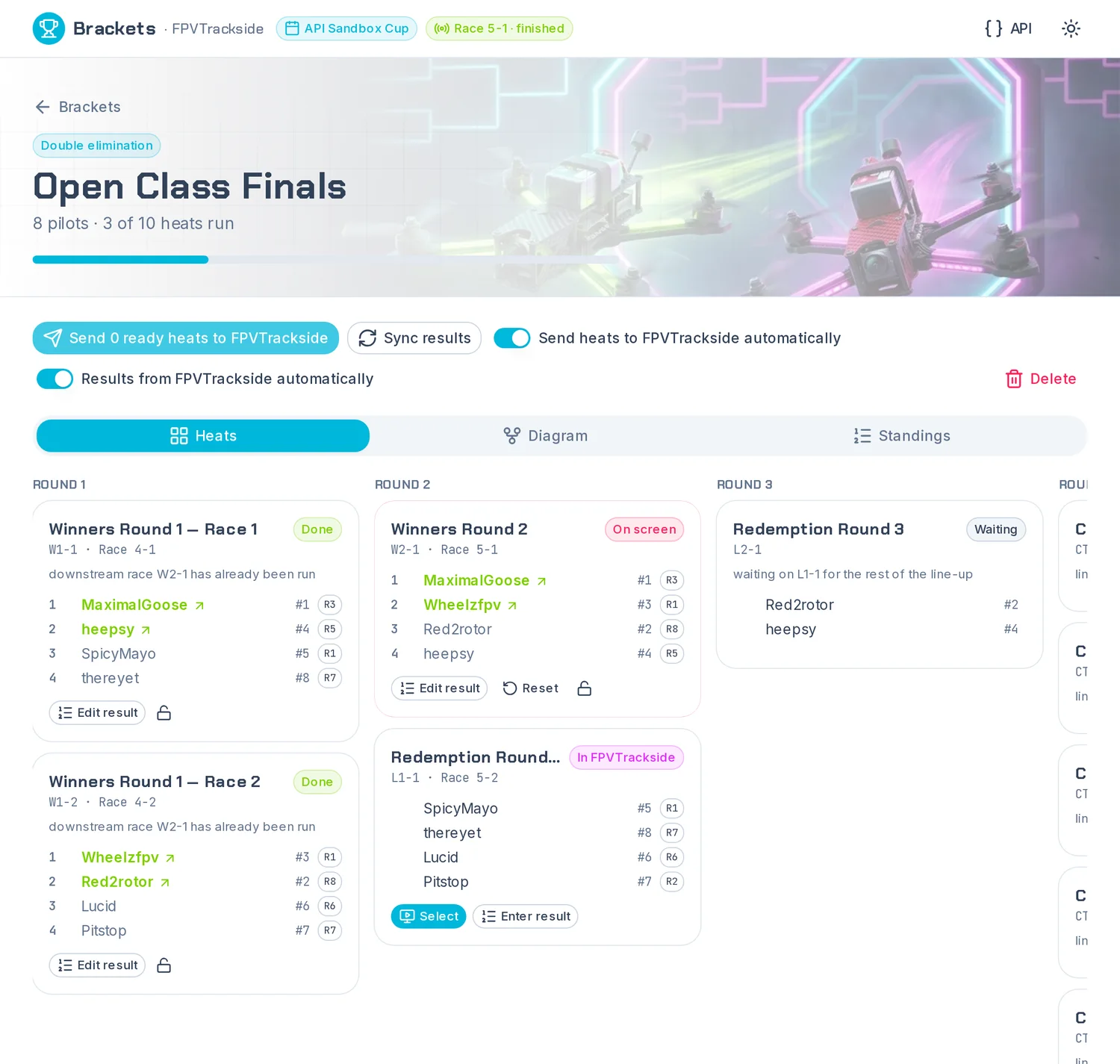
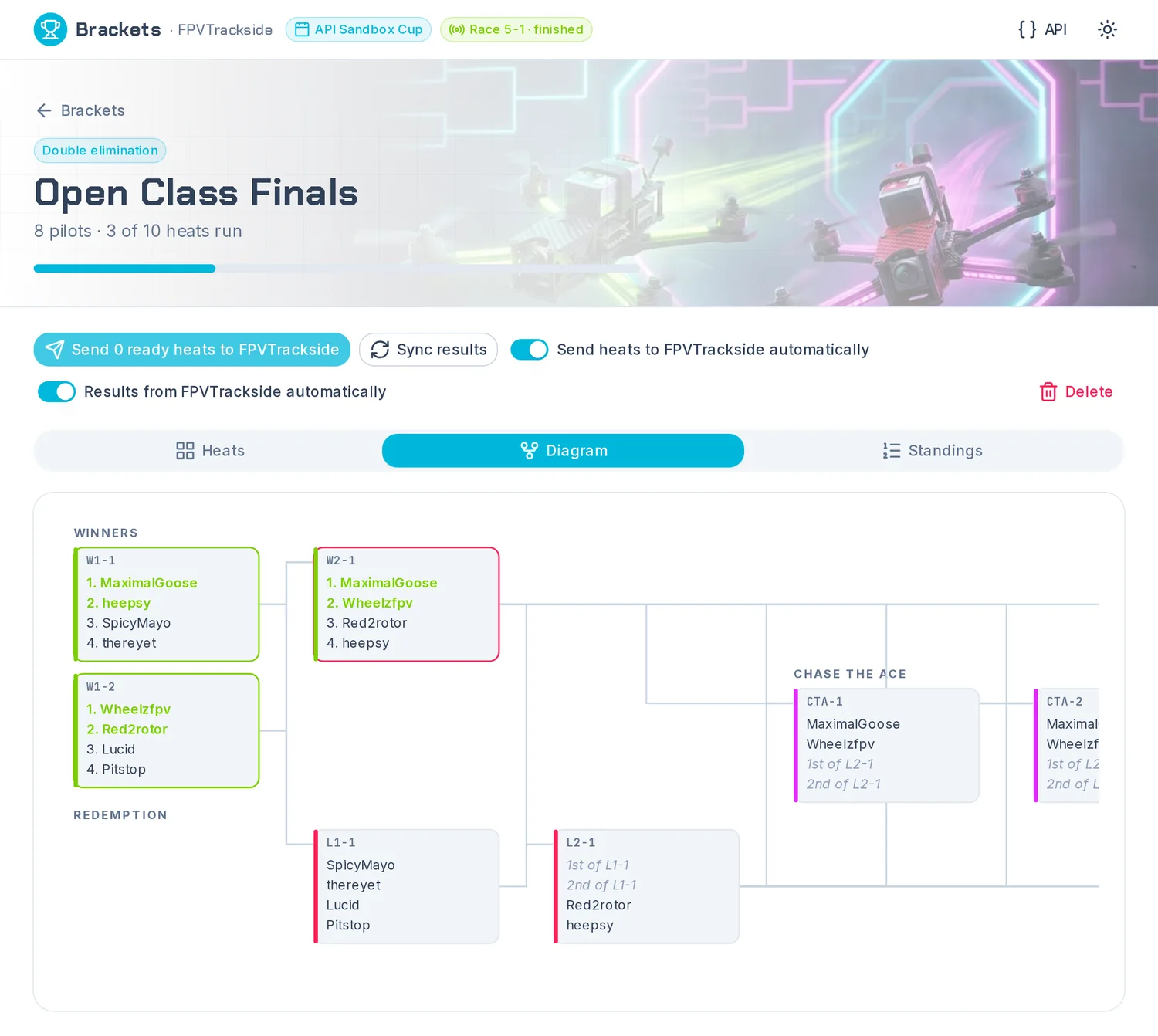
When a heat's race finishes in FPVTrackside, the bracket records the finishing order and fills in the next heats.
Sync results pulls in anything it missed. Both automatic switches can be turned off at any time.

When a heat is sent, each pilot gets the channel they flew last heat if it's free, so nobody has to retune between rounds.
Each pilot's channel shows beside their name on every heat card, so they can check it before powering up.
Plain C# inside FPVTrackside. These are the formats AUFPV runs, and over 3,500 tests check the engine against the AUFPV platform's draws and results.
Brackets live in Brackets.json in the event's folder, so they travel with the event.
Each FPVTrackside race carries its bracket heat's ID. That is how a finished race finds its way back to the right heat.
The page uses FPVTrackside's new /api/v1. The same API can drive the whole app. Try it in the console at /api/v1/docs.
Run qualifying as time trials, as you always do.
Open Brackets → New bracket → pick a format.
Seed from qualifying, check the order, choose settings, Create.
Leave Send heats automatically on and run the races.
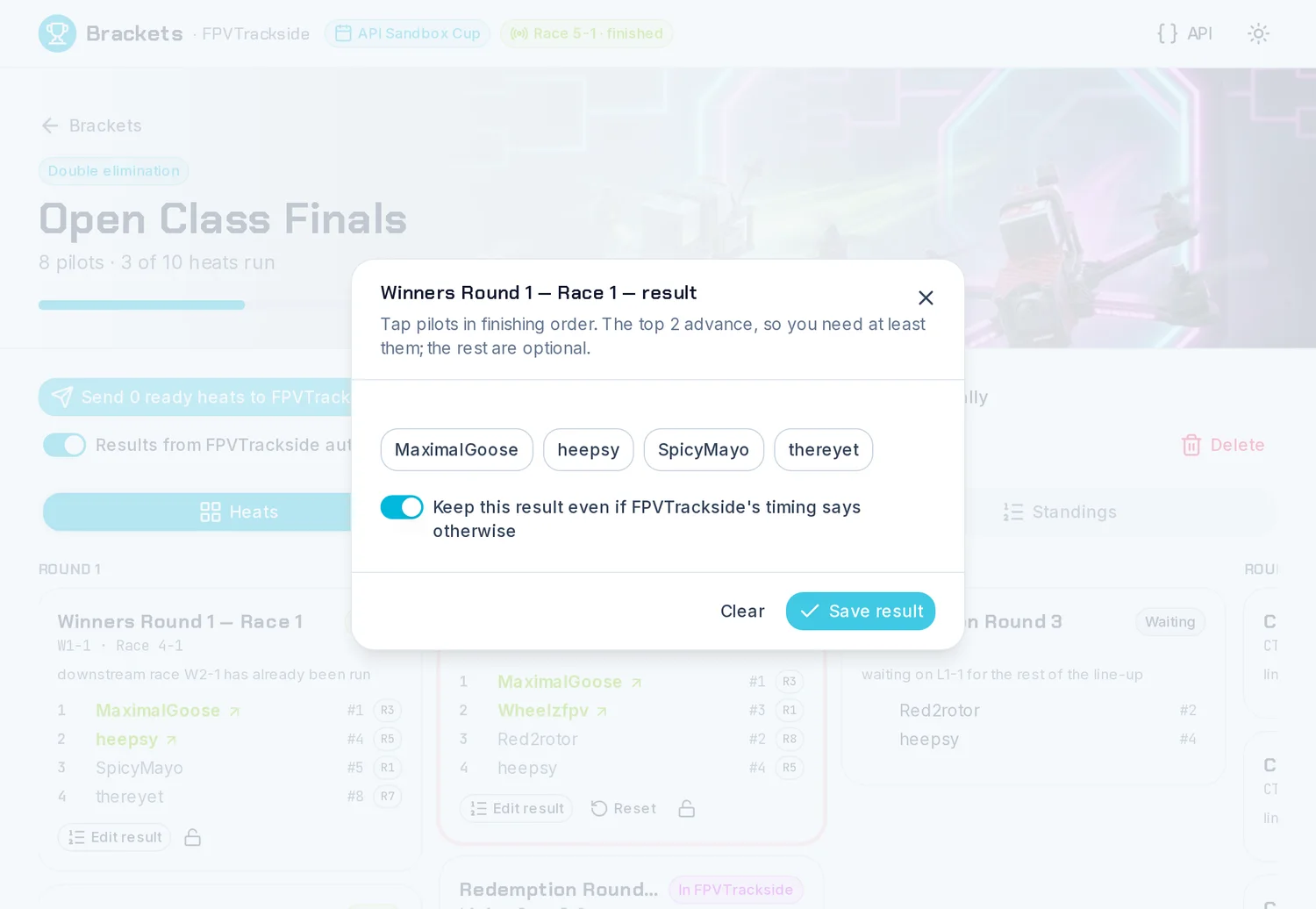
Fix any call by hand and lock it. The champion appears at the end.